
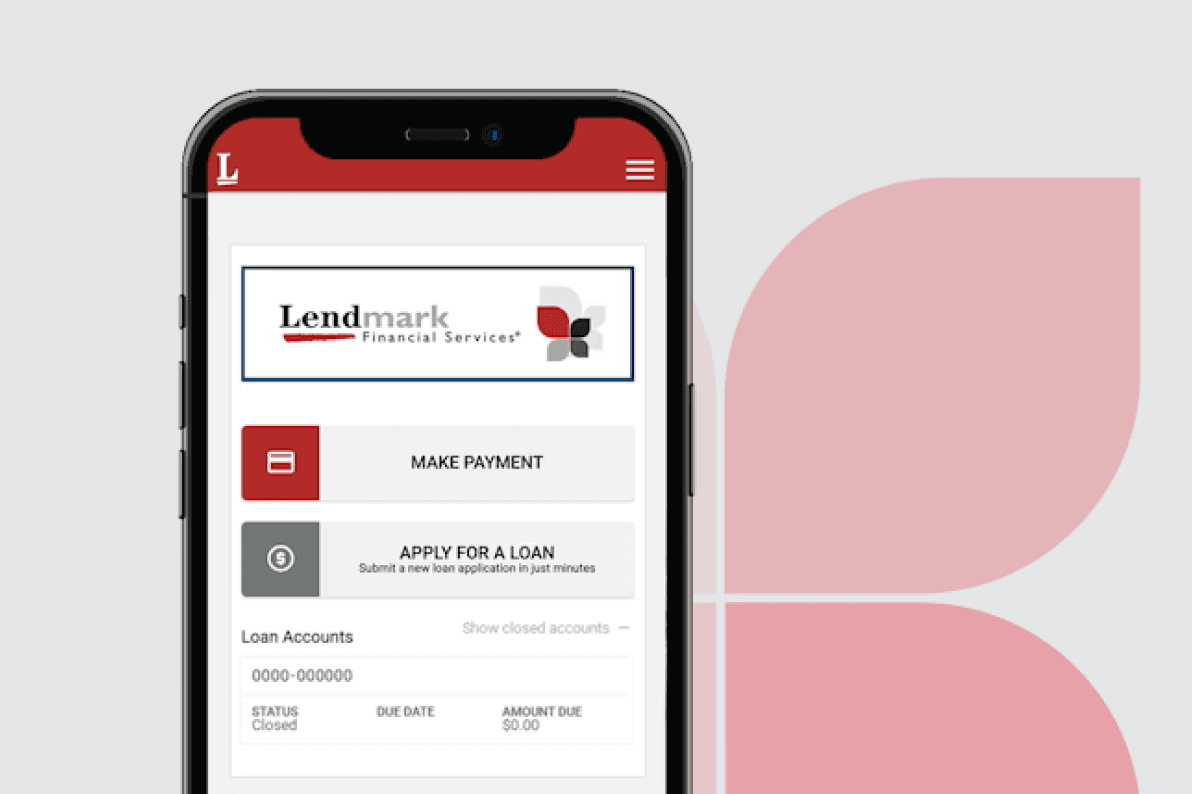
Take your account on the go
We know you're busy, so we want to make life a little easier. With MyLendmark, you can manage your account whenever and from wherever you are. Use a computer, mobile phone or tablet.



Enjoy the benefits of MyLendmark
Additional benefits include:
Need to make a payment?
See your payment options on the Payment Options page.
Want to visit a Lendmark branch in person?
Check the status of your pending application and next steps.
Frequently asked questions about MyLendmark
What do I do if I receive an error message when navigating the app?
The first thing to do is go into your device settings and clear the browser cache and then restart your device. If you’re at home on wifi you may also want to try restarting your modem/router.
What if I don’t have the latest operating system on my device?
To have the best mobile app experience please ensure you have the most current operating system for your device. You can confirm this in your device’s settings. If you do not have the latest OS the app may not function as intended, either entirely or with certain features and functions.
What mobile devices can be used with the app?
Lendmark Mobile supports iOS and Android devices.
Where can I manage all my app settings?
In your phone’s general settings, you can manage all your preferences for the app. You are not required to allow us to use location services, Bluetooth or general notifications.
How do I opt-out of paper statements?
Call 1-866-413-8340 and a representative will assist with your opt-out request.
If I just got a new loan how soon am I able to register?
You can register the same day.
If I make a payment how long will it take for my balance to update?
Your balance will reflect in real time.
See what Lendmark can do for you
With our customer-first approach, we're here to provide exceptional service and reliable loan solutions.
Won’t affect your credit score